A11yFix Pro
Turn accessibility audits into documents your client — or their lawyer — can read.
Instant delivery: license key + download right after payment.
About
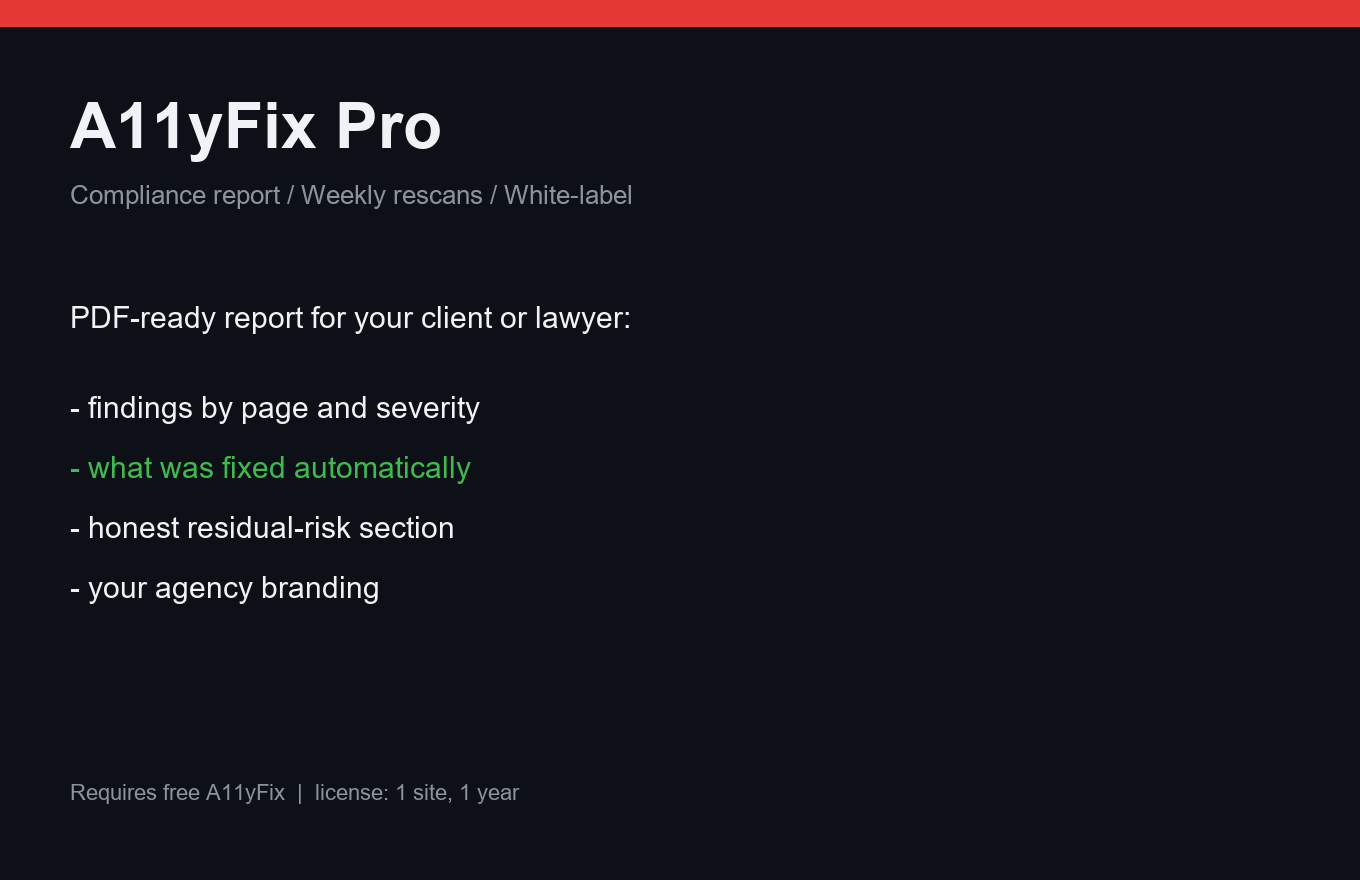
A11yFix Pro turns the audit into a document you can hand to a client, a lawyer, or a European Accessibility Act reviewer: findings by page and severity, an honest "what automation fixed" section, an honest "what automation can't cover" section, and a disclaimer. Print to PDF in one click.
Agencies get white-label: your company name in the report header, not ours. Weekly rescans run up to 25 pages in cron batches — never on your visitors — and an email digest arrives only when something actually changed.
What it does
- Client-ready compliance report (EAA / ADA framing), print to PDF
- Findings grouped by page and severity
- "Fixed automatically" and "needs a human" sections
- Weekly rescan up to 25 pages, batched on cron
- Email digest only when something changed
- White-label: your agency name in reports
- Reports are generated on your site — no data leaves it
Free vs Pro
| Free | Pro | |
|---|---|---|
| Scanner (free A11yFix) | Yes | Required (free) + enabled |
| Compliance report / PDF | — | Included |
| Scheduled rescans + digest | — | Weekly, up to 25 pages |
| White-label | — | Included |
FAQ
Does this make my site legally compliant?
No tool can promise that. It fixes what automation can fix, documents it, and honestly lists what still needs manual work — which is exactly what auditors and lawyers ask for.
Is scanning heavy on my server?
No. Scans run in cron batches of a few pages at a time, never on visitor requests.
Where do reports live?
On your own site. Nothing is sent to us.
Installation & uninstall
Free version
- Download the zip archive with the "Download free" button above.
- In your WordPress admin: Plugins → Add New → Upload Plugin.
- Pick the downloaded zip, click "Install Now", then "Activate".
- The plugin's menu appears in wp-admin — configure it to your liking.
Pro version
- After payment, download the Pro archive from your order page (the link is also emailed).
- Install Pro like any plugin: Plugins → Add New → Upload Plugin → Activate.
- The free version must be installed and active — Pro sits on top as a companion.
- Enter the license key on the plugin's Pro settings page.
Uninstall
- Plugins → find the plugin in the list → click "Deactivate".
- Then click "Delete" — the plugin and all its data (tables, settings, logs) are removed completely.
- The Pro companion uninstalls the same way, independently; the free version keeps working.
Every plugin we ship passes a clean-uninstall test: after "Delete" no tables or leftover settings remain in the database.
Reviews
No reviews yet — be the first.