Health Guard Pro
A weekly three-line verdict on your site's health — in Telegram.
Instant delivery: license key + download right after payment.
About
Health Guard checks your site on a schedule and reports in human language: "all quiet" or a short list of things to do. Pro adds the Telegram channel: once a week you get three lines — and anything critical arrives immediately, not next week.
Trends make slow problems visible: autoload option size, disk space, post revisions — plotted week over week, so you see growth before it becomes an outage. Hosting-specific checks can be added by your developer through one filter.
What it does
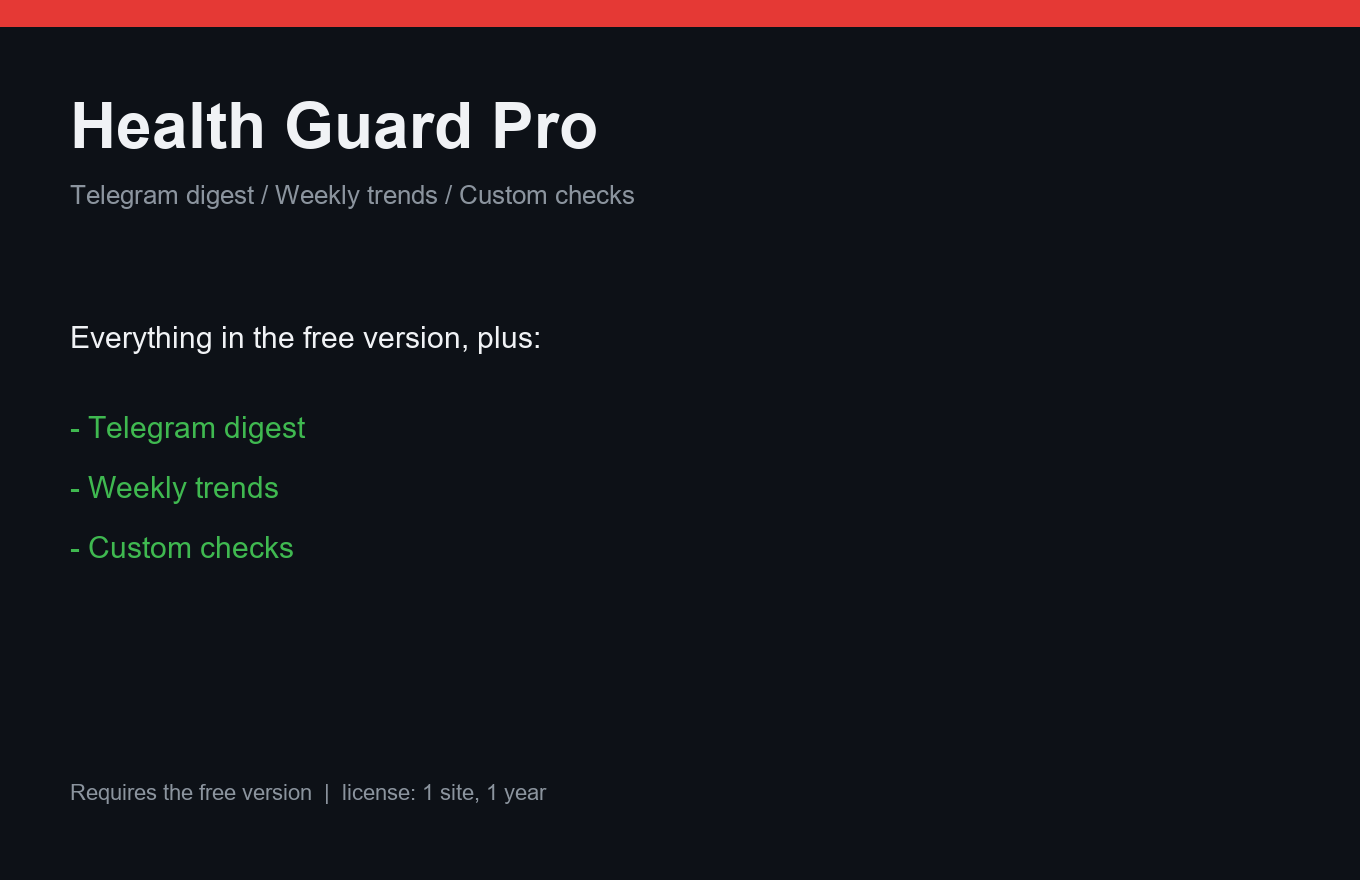
- Weekly Telegram digest: three lines, human language
- Critical findings delivered immediately
- Trend charts: autoload, disk space, revisions
- Custom checks via the siteguard_checks filter
- White-label: your agency name in reports
- Zero external calls for checks — all local
- One license = one site, 12 months of updates
Free vs Pro
| Free | Pro | |
|---|---|---|
| Scheduled checks | Yes | Yes + Telegram |
| Trend charts | — | Included |
| Custom checks (filter) | — | Included |
| White-label | — | Included |
FAQ
What does it check?
Core site health signals: updates, errors, autoload size, disk space, revisions, cron backlog — plus anything you add via the filter.
Do I need a Telegram bot?
Yes, any bot token works (creating one takes 2 minutes with BotFather). Free Health Guard has setup instructions.
Does it phone home?
No. All checks run locally; the only outbound call is the Telegram message itself.
Installation & uninstall
Free version
- Download the zip archive with the "Download free" button above.
- In your WordPress admin: Plugins → Add New → Upload Plugin.
- Pick the downloaded zip, click "Install Now", then "Activate".
- The plugin's menu appears in wp-admin — configure it to your liking.
Pro version
- After payment, download the Pro archive from your order page (the link is also emailed).
- Install Pro like any plugin: Plugins → Add New → Upload Plugin → Activate.
- The free version must be installed and active — Pro sits on top as a companion.
- Enter the license key on the plugin's Pro settings page.
Uninstall
- Plugins → find the plugin in the list → click "Deactivate".
- Then click "Delete" — the plugin and all its data (tables, settings, logs) are removed completely.
- The Pro companion uninstalls the same way, independently; the free version keeps working.
Every plugin we ship passes a clean-uninstall test: after "Delete" no tables or leftover settings remain in the database.
Reviews
No reviews yet — be the first.