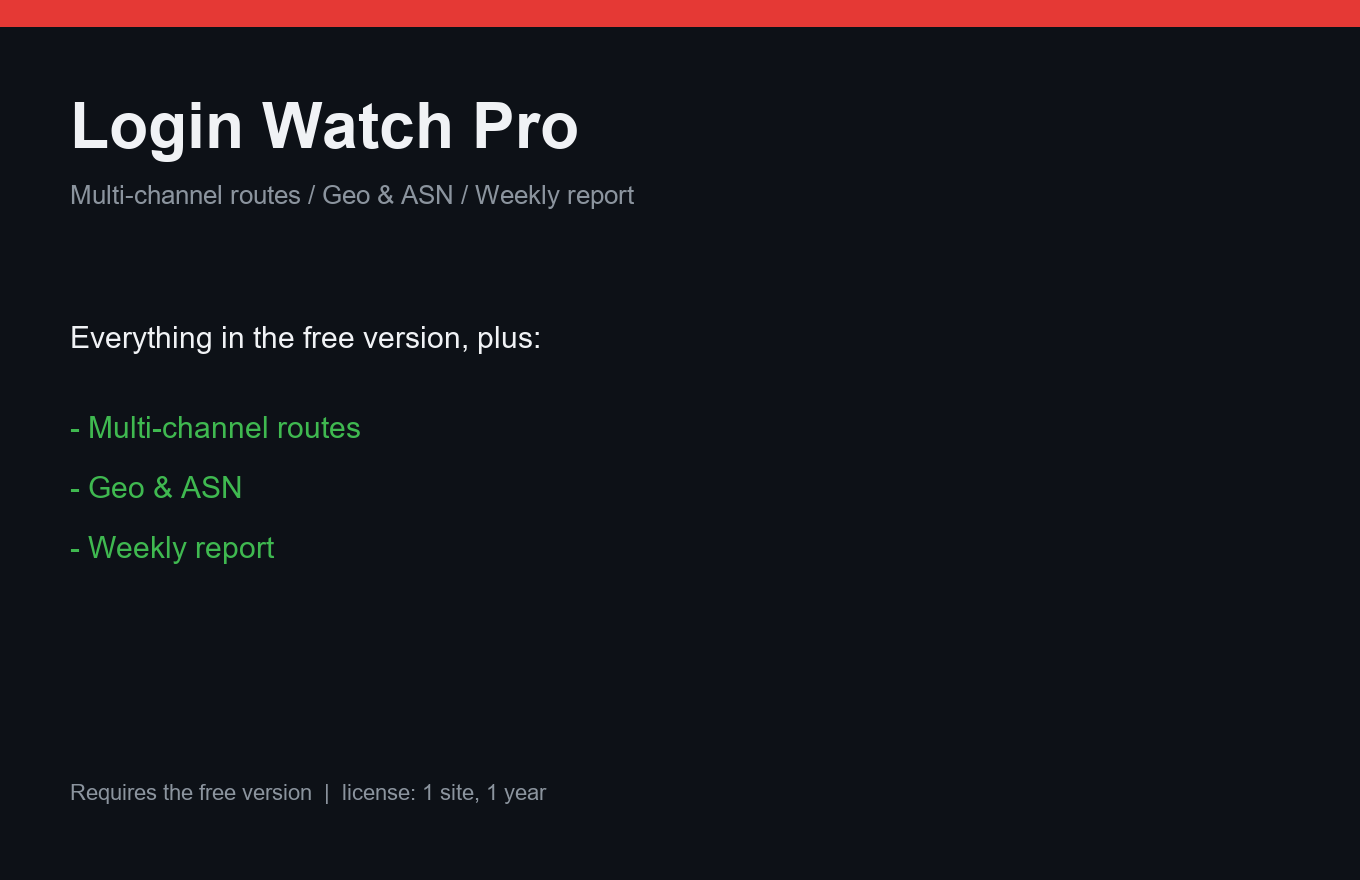
Login Watch Pro
Every admin login, on your terms: routes, geography, weekly report.
Instant delivery: license key + download right after payment.
About
The free Login Watch alerts you about admin logins. Pro lets you decide who hears what: successful logins go to one chat, new admin accounts to another — the owner gets the scary ones instantly.
Geo and ISP detection runs from a local IP-ranges database: no external API calls, no leaking login IPs to third parties. A weekly report sums logins, attempts and top source IPs; a webhook channel forwards everything to Slack, Discord or your own endpoint.
What it does
- Event routes: different chats for logins / new admins / failures
- Geo + ISP from local ranges DB — zero external calls
- Weekly report: logins, attempts, top IPs
- Webhook channel: Slack, Discord, custom
- Silent mode: log without alerting for known users
- Priority support
- One license = one site, 12 months of updates
Free vs Pro
| Free | Pro | |
|---|---|---|
| Login alerts | One chat | Routes per event type |
| Geo / ISP | — | Included (local DB) |
| Weekly report | — | Included |
| Webhook channel | — | Included |
FAQ
Does geo detection call an external API?
No. Pro ships a local IP-ranges database — logins never leak your visitors' IPs anywhere.
Can I mute alerts for my own logins?
Yes, silent mode for selected users keeps the log but skips the alert.
What about failed attempts?
Free covers the alert; Pro adds them to routes and the weekly report with top source IPs.
Installation & uninstall
Free version
- Download the zip archive with the "Download free" button above.
- In your WordPress admin: Plugins → Add New → Upload Plugin.
- Pick the downloaded zip, click "Install Now", then "Activate".
- The plugin's menu appears in wp-admin — configure it to your liking.
Pro version
- After payment, download the Pro archive from your order page (the link is also emailed).
- Install Pro like any plugin: Plugins → Add New → Upload Plugin → Activate.
- The free version must be installed and active — Pro sits on top as a companion.
- Enter the license key on the plugin's Pro settings page.
Uninstall
- Plugins → find the plugin in the list → click "Deactivate".
- Then click "Delete" — the plugin and all its data (tables, settings, logs) are removed completely.
- The Pro companion uninstalls the same way, independently; the free version keeps working.
Every plugin we ship passes a clean-uninstall test: after "Delete" no tables or leftover settings remain in the database.
Reviews
No reviews yet — be the first.