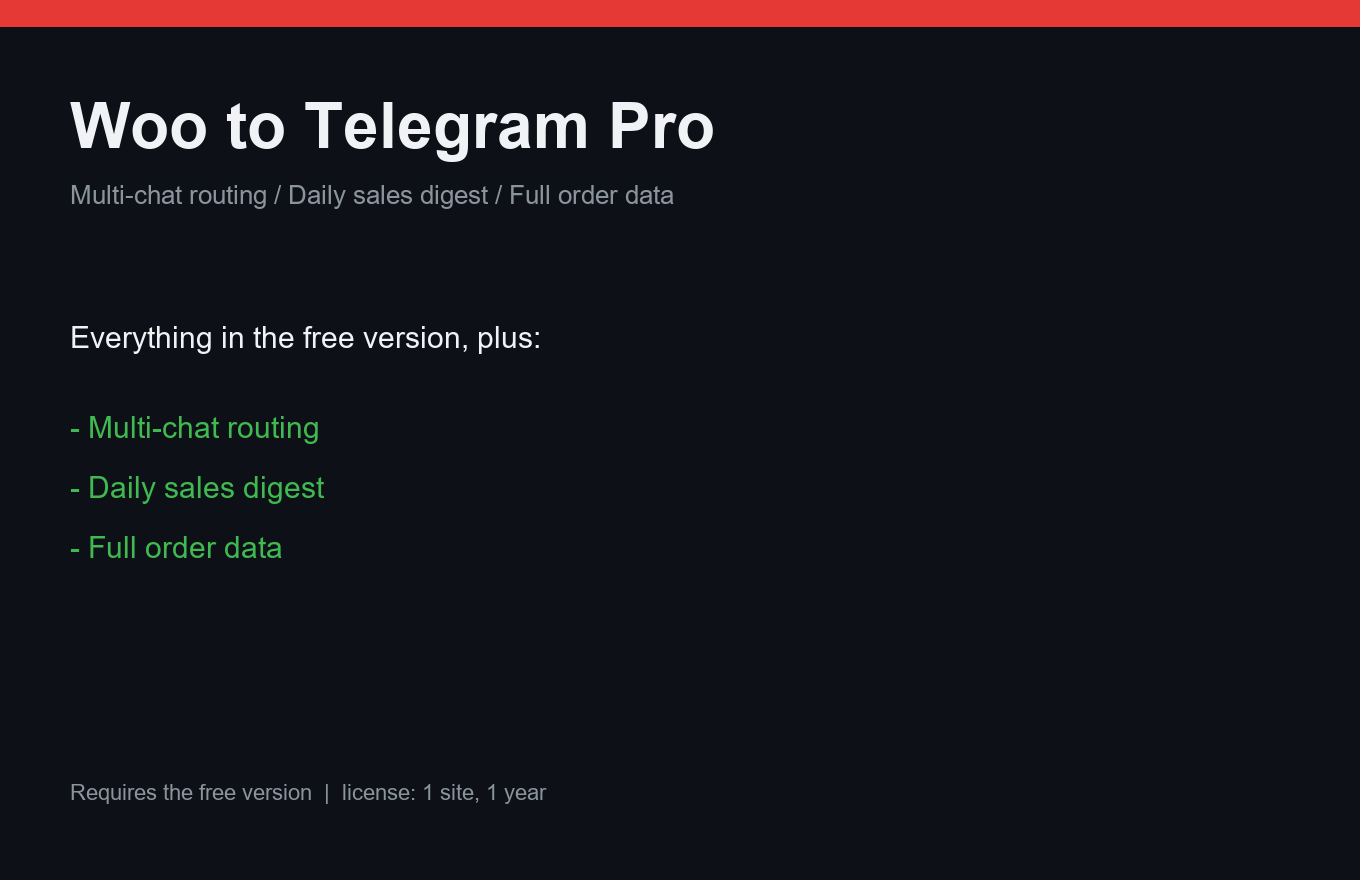
Woo to Telegram Pro
Your store's orders, in your pocket, with routing rules.
Instant delivery: license key + download right after payment.
About
The free plugin sends every WooCommerce order to your Telegram instantly. Pro turns it into a small dispatch desk: different chats for different rules — big orders to the manager, paid-only to accounting, everything to you.
The evening digest sums the day: order count, revenue, top products — one message. Full order data (address, phone, customer notes) is included; sensitive fields can be masked per chat.
What it does
- Multi-chat routing with rules: amount, payment status, shipping method
- Evening digest: orders, revenue, top products
- Full order data: address, phone, customer notes
- Per-chat masking of sensitive fields
- Test button in every chat — no blind setup
- Priority support
- One license = one site, 12 months of updates
Free vs Pro
| Free | Pro | |
|---|---|---|
| Instant order alerts | One chat | Unlimited chats + rules |
| Daily digest | — | Included |
| Full order details | — | Included (maskable) |
FAQ
Does the free version keep working?
Yes — Pro sits on top of it and adds routing, digest and full data.
What happens if Telegram is unreachable?
Notifications queue in WP-Cron and retry; nothing is lost on a short outage.
Can I have a chat just for failed payments?
Yes — route by payment status, that's exactly what rules are for.
Installation & uninstall
Free version
- Download the zip archive with the "Download free" button above.
- In your WordPress admin: Plugins → Add New → Upload Plugin.
- Pick the downloaded zip, click "Install Now", then "Activate".
- The plugin's menu appears in wp-admin — configure it to your liking.
Pro version
- After payment, download the Pro archive from your order page (the link is also emailed).
- Install Pro like any plugin: Plugins → Add New → Upload Plugin → Activate.
- The free version must be installed and active — Pro sits on top as a companion.
- Enter the license key on the plugin's Pro settings page.
Uninstall
- Plugins → find the plugin in the list → click "Deactivate".
- Then click "Delete" — the plugin and all its data (tables, settings, logs) are removed completely.
- The Pro companion uninstalls the same way, independently; the free version keeps working.
Every plugin we ship passes a clean-uninstall test: after "Delete" no tables or leftover settings remain in the database.
Reviews
No reviews yet — be the first.